No sample royaltiesCC0, public domain or our own work; one credited CC-BY piano.
Local-firstRuns on your machine or in your browser. Nothing uploaded.
No API keys neededNo account or cloud service.
Licence-trackedEvery sound lists its source and licence.
Pianos
Recorded pianos, not just a synth.
Sampled pianos with sustain pedal, ringing tails and key-release sounds.
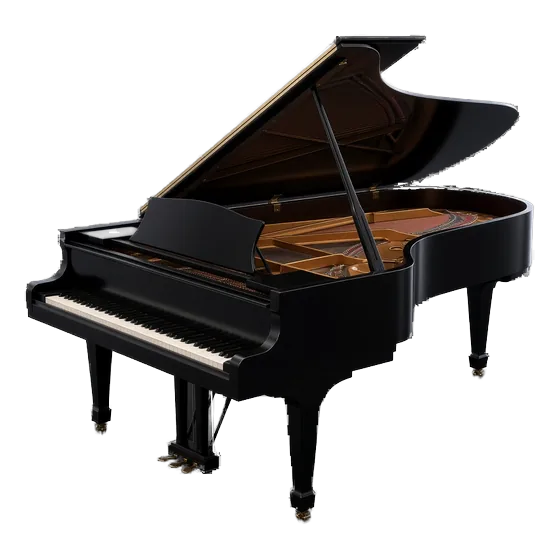
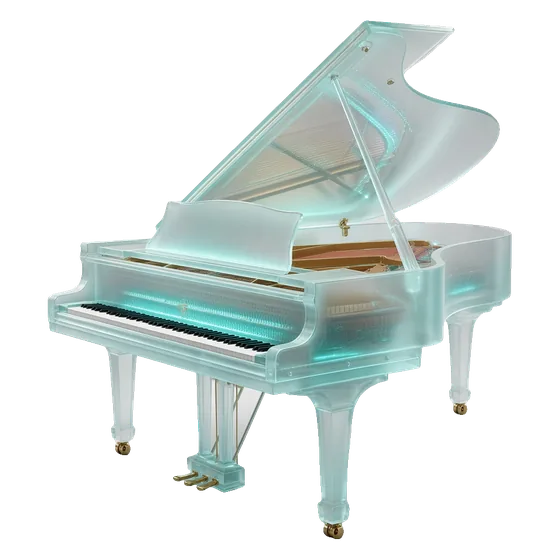
Concert GrandA concert grand (Salamander Grand Piano V3): 8 velocity layers, tails up to 18 s. The default.
Felt / SoftThe same grand, felt-darkened in a small room.
Film AmbientThe same grand in a large hall with a long release.
City PianoA sampled baby grand with 4 velocity layers: smaller and more intimate.
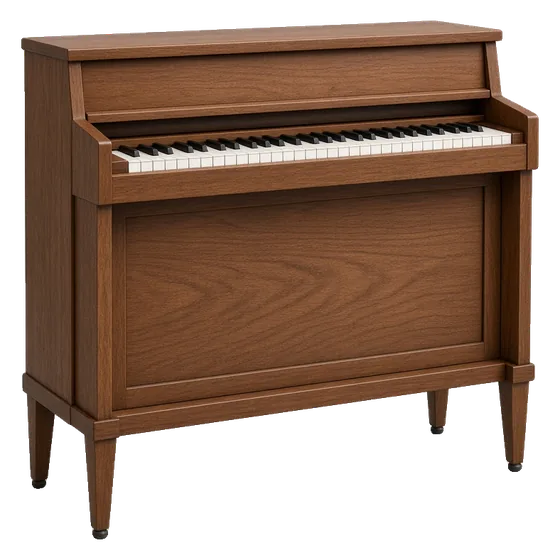
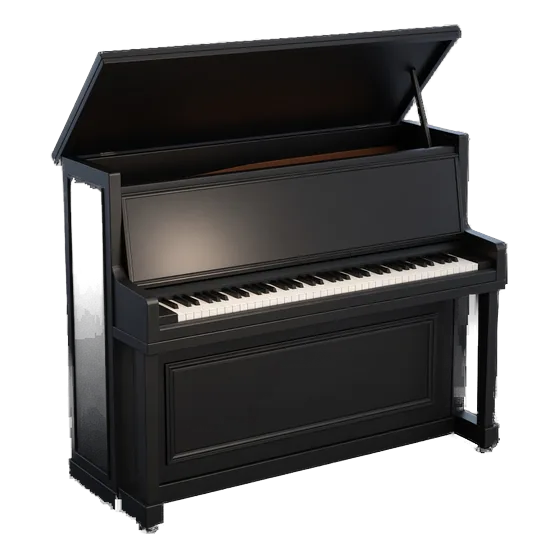
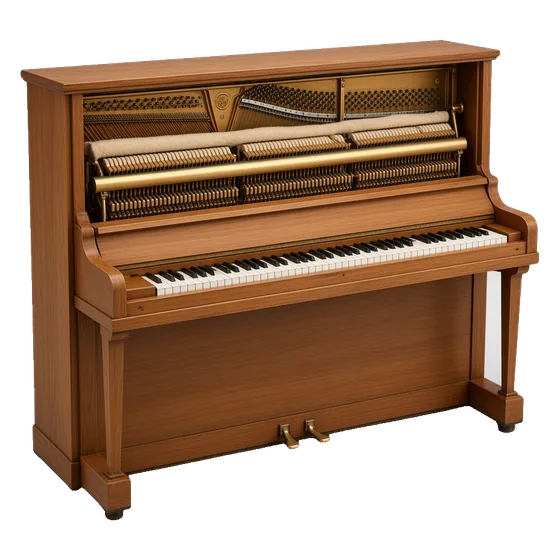
UprightA sampled upright (FreePats Upright Piano KW) with soft and hard layers.
The pianos are optional downloads. Without them, piano parts use the built-in synth piano, labelled "(synth piano)".
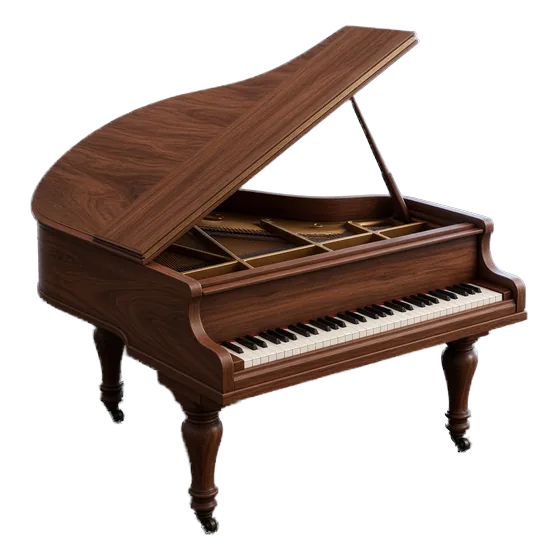
Concert grandRecorded
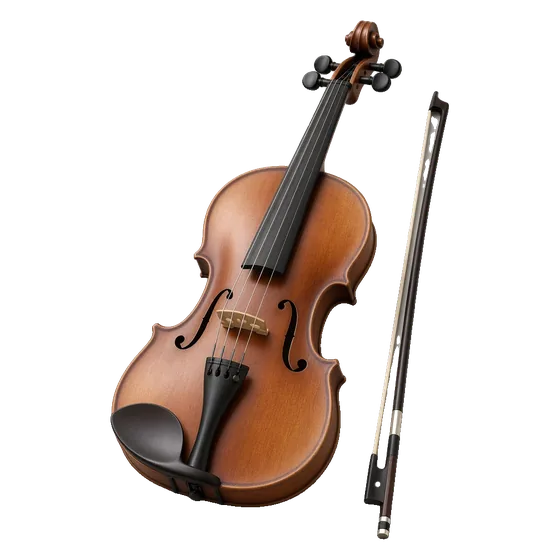
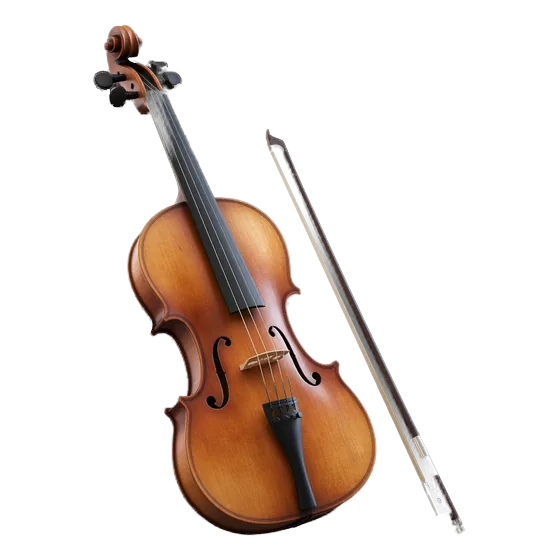
Solo violinRecorded
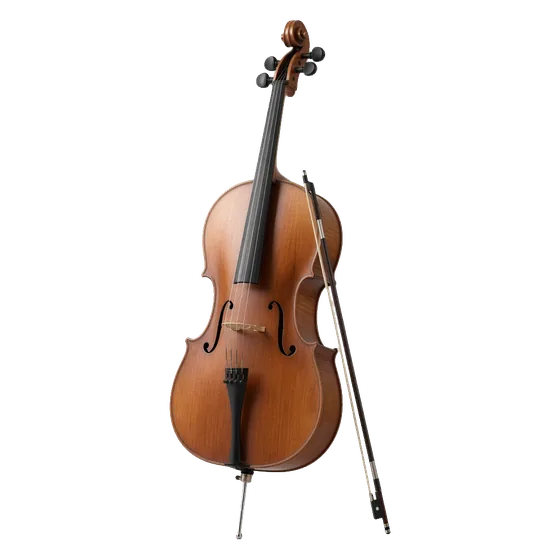
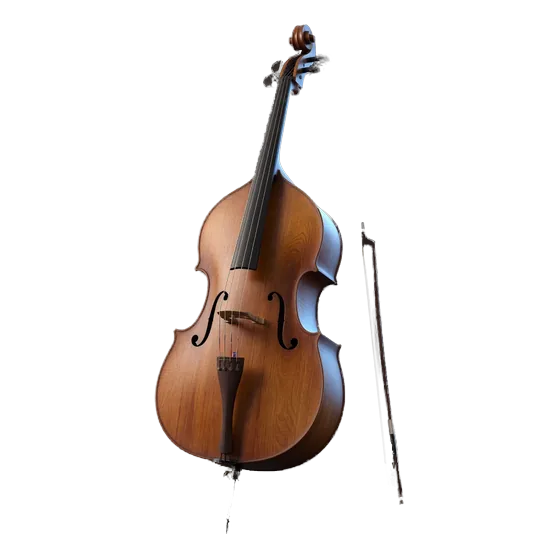
CelliRecorded
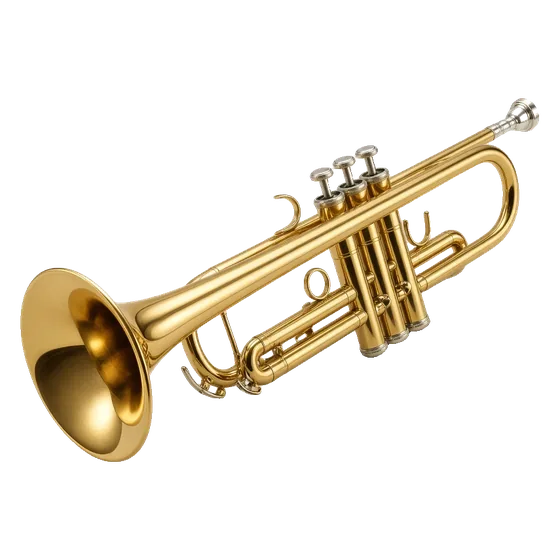
TrumpetRecorded
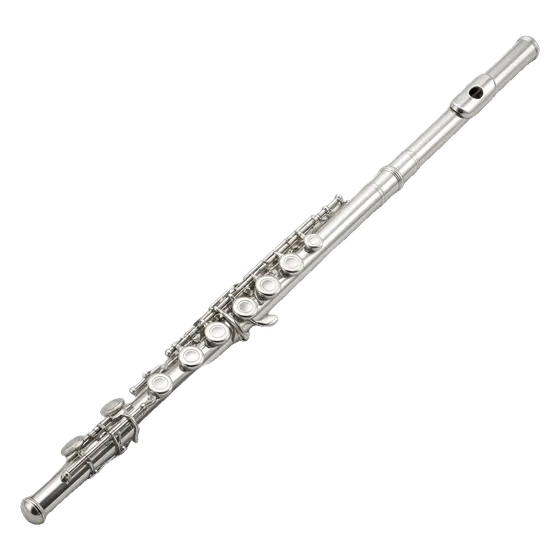
FluteRecorded
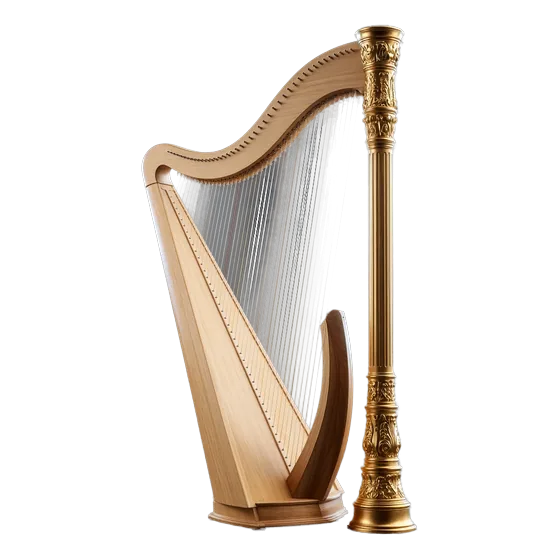
HarpRecorded
CelestaSynthesised
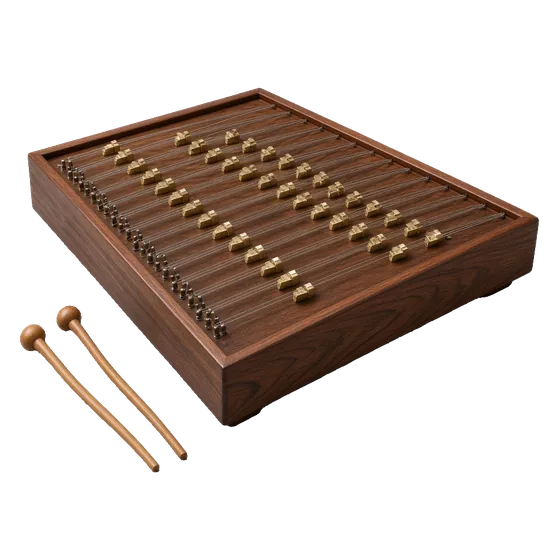
SantoorModelled
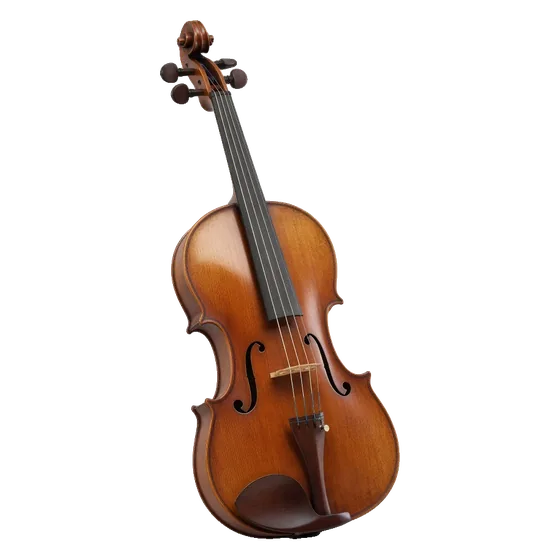
Illustrations. Every instrument is listed with its source below.
Listen
Hear it for yourself.
Rendered by ProScoro, level-matched MP3.
Piano templates demoAbout 10 s each of Unsent Letter (Piano Solo), Monsoon Promise (Piano + Strings) and Sunday Rise (Piano + Strings + Bass). 0:33Three pianos, one phraseThe same phrase at matched loudness on the Concert Grand (Salamander), City Piano and Upright. 1:08Before and afterA 21 s D-minor phrase six times, level-matched: the two old pianos first, then the four new presets. 2:16
Instruments inside
The instruments ProScoro plays.
Every instrument that ships. Tap 2 s to hear one raw note.
Recorded
Concert grand
A sampled concert grand (Salamander Grand Piano V3, CC-BY), 8 velocity layers. Optional download.
Recorded
Baby grand
A warm small grand (public domain recording). Optional download.
Recorded
Upright piano
A close, intimate upright (FreePats, CC0). Optional download.
Modelled
Felt / soft piano
The grand’s four softest layers with a felt-hammer filter and a close room.
Rendered live in the app
Modelled
Film ambient piano
The same grand recordings through a long, dark hall.
Rendered live in the app
Synthesised
Celesta
Synthesised by ProScoro (no CC0 celesta recording we could ship).
Rendered live in the app
Synthesised
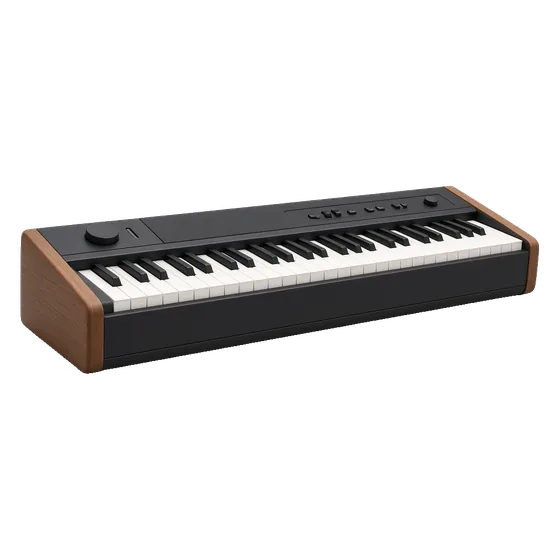
Soft keys
Sparse piano-like tones, ProScoro’s own synthesis.
A solo violin with the same articulations (VSCO-2 CE).
Recorded
Violas
Viola section (VSCO-2 CE, CC0).
Recorded
Celli
Cello section (VSCO-2 CE, CC0).
Recorded
Contrabass
Solo contrabass recordings (VSCO-2 CE, CC0).
Modelled
Contrabass section
Four detuned, time-offset copies of the solo contrabass.
Recorded
Harp
Concert harp (VSCO-2 CE, CC0).
Recorded
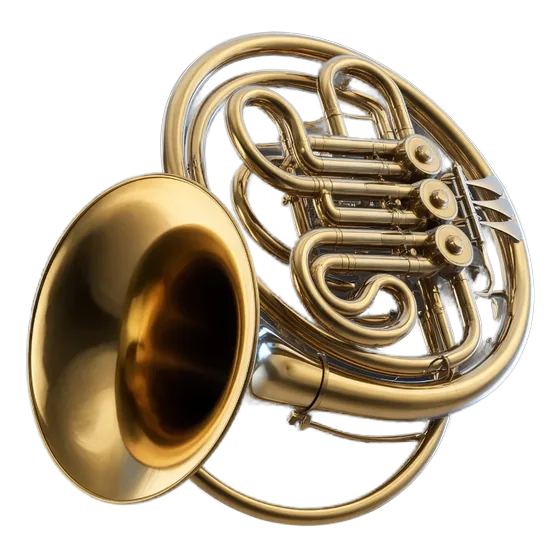
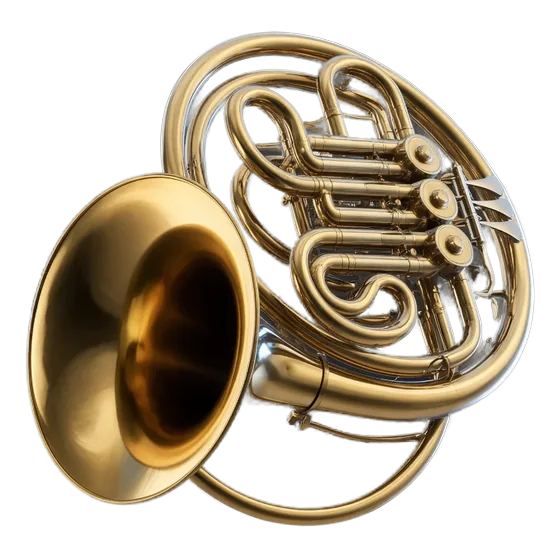
French horn
Solo horn: sustain and staccato (VSCO-2 CE, CC0).
Modelled
Horns a4 / a8
Four or eight detuned, time-offset copies of the solo horn.
Recorded
Trumpet
Trumpet (VSCO-2 CE, CC0).
Recorded
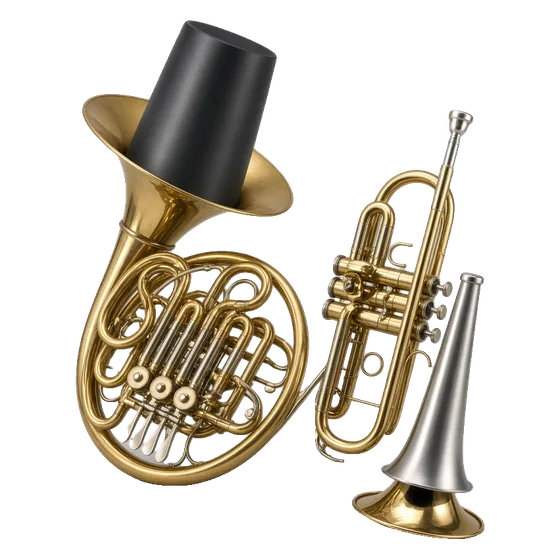
Muted horn and trumpet
Straight-mute trumpet and stopped horn (VSCO-2 CE).
Recorded
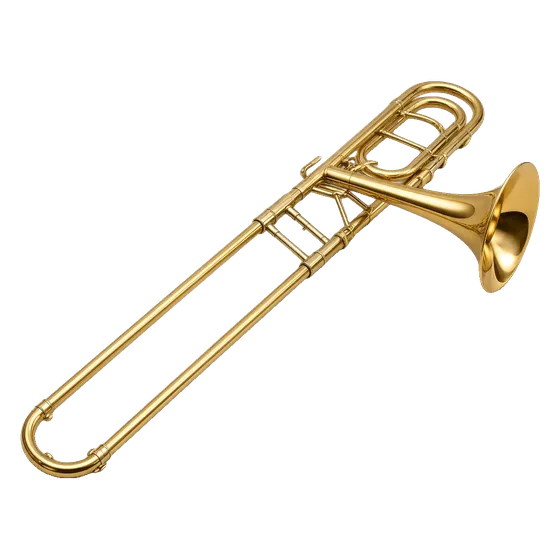
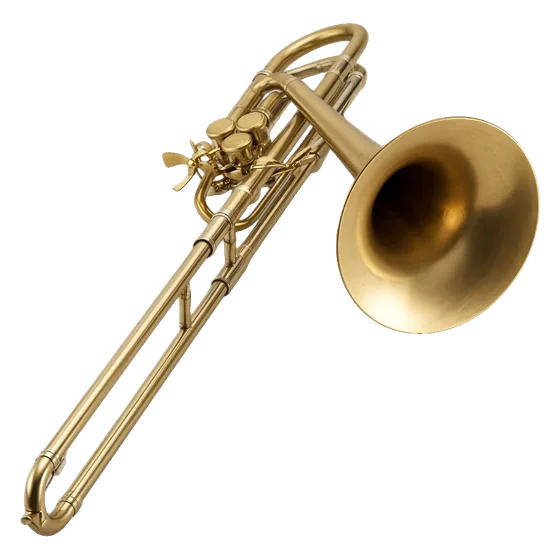
Tenor trombone
Tenor trombone (VSCO-2 CE, CC0).
Modelled
Bass trombone
Tenor-trombone recordings played up to a fourth lower, darker.
Recorded
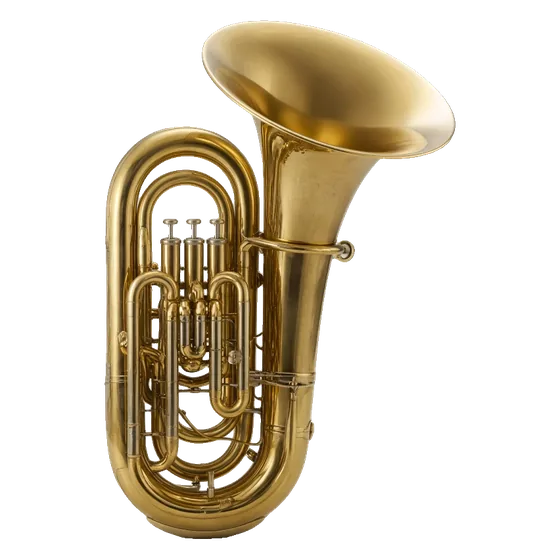
Tuba
Tuba (VSCO-2 CE, CC0).
Modelled
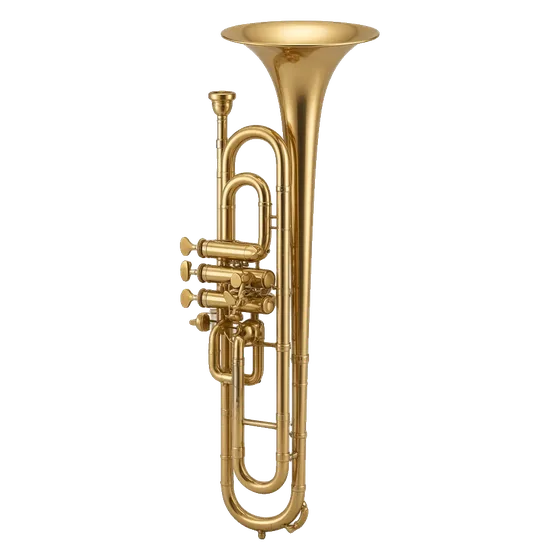
Cimbasso
Trombone recordings about a seventh lower, doubled and darkened.
Recorded
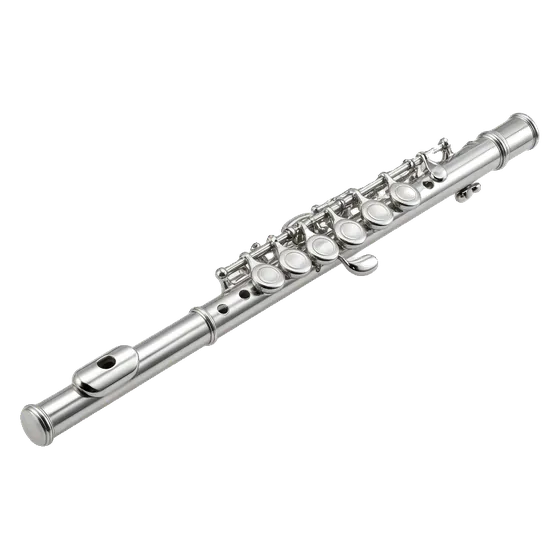
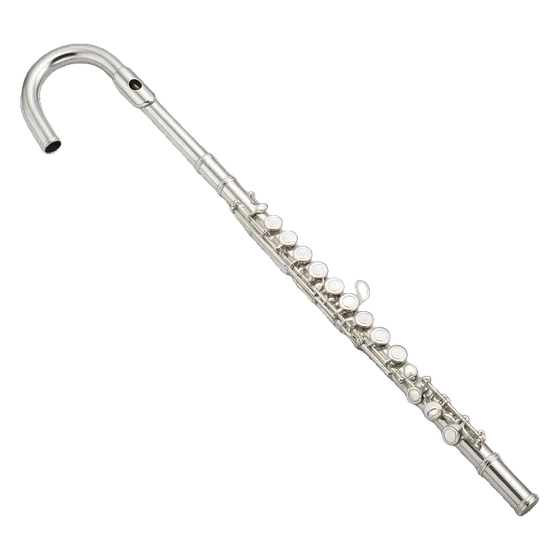
Flute
Flute (VSCO-2 CE, CC0).
Recorded
Piccolo
Piccolo (VSCO-2 CE, CC0).
Modelled
Alto flute
Flute recordings a fourth lower, softer top.
Recorded
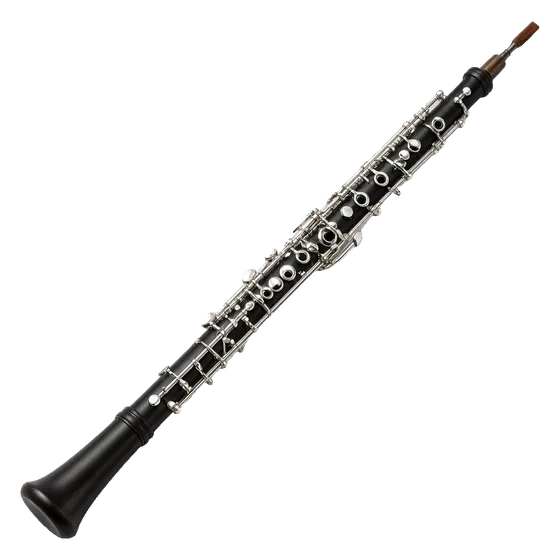
Oboe
Oboe (VSCO-2 CE, CC0).
Modelled
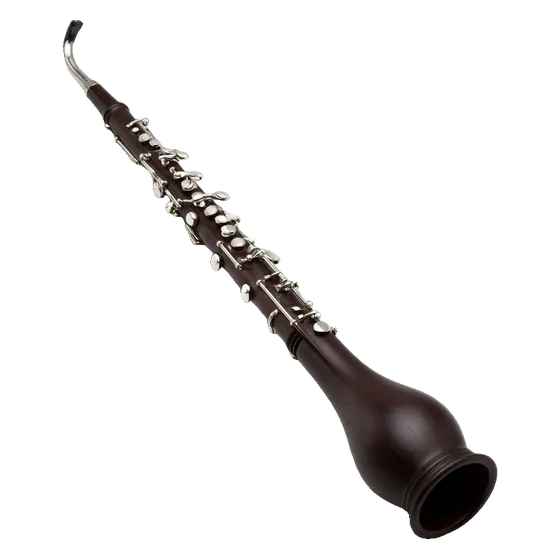
Cor anglais
Oboe recordings a fifth lower, darker.
Recorded
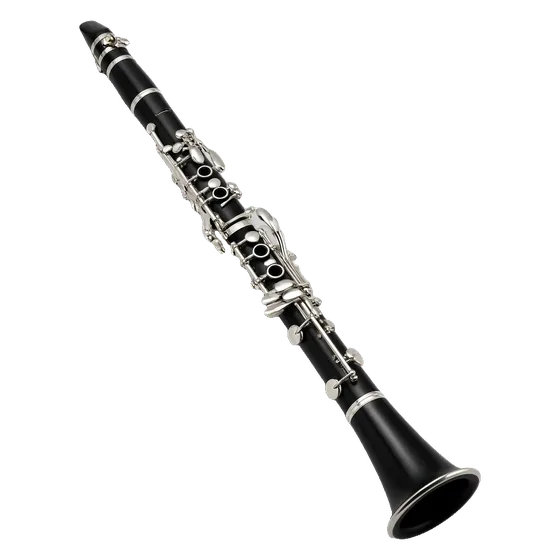
Clarinet
Clarinet (VSCO-2 CE, CC0).
Modelled
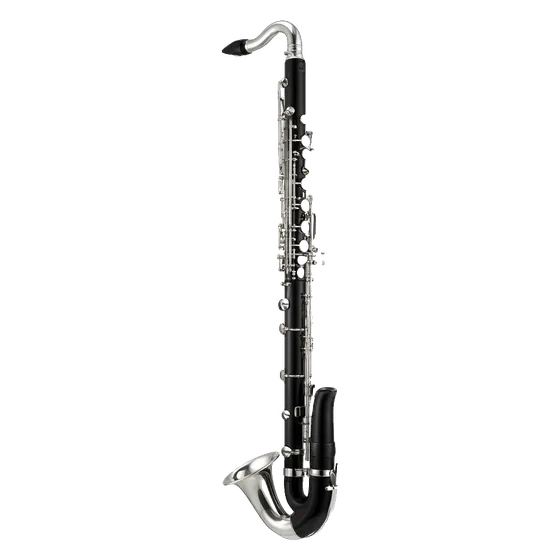
Bass clarinet
Clarinet recordings an octave lower (a weaker model).
Recorded
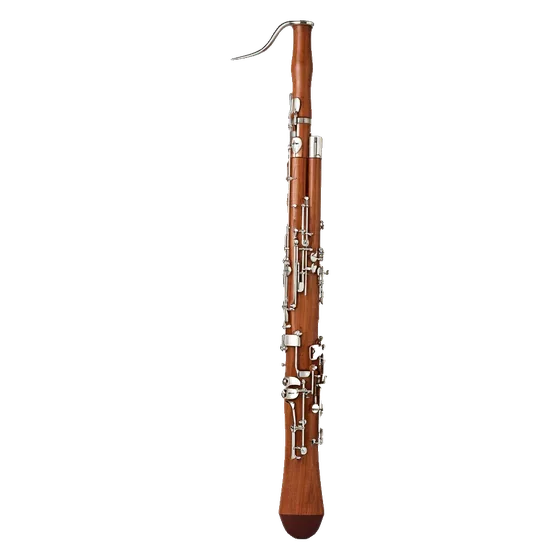
Bassoon
Bassoon (VSCO-2 CE, CC0).
Modelled
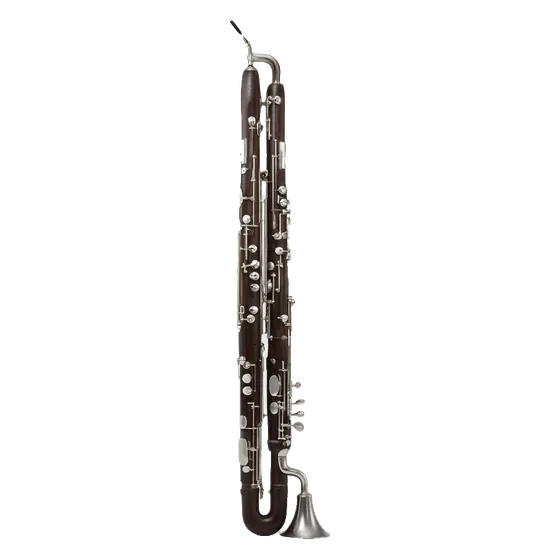
Contrabassoon
Bassoon recordings an octave lower (a weaker model).
Recorded
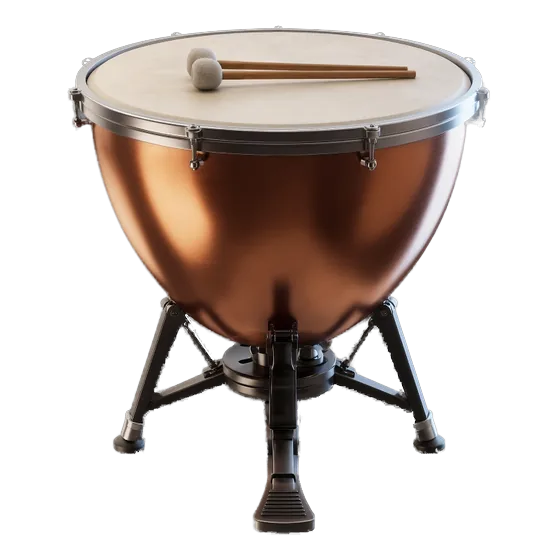
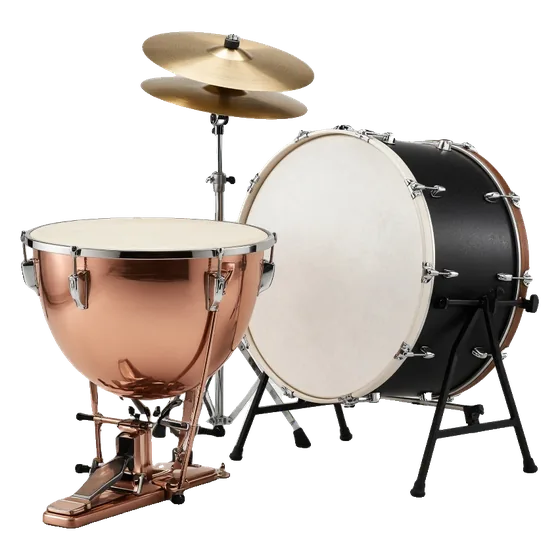
Timpani
Timpani with rolls (VSCO-2 CE and VCSL, CC0).
Recorded
Orchestral percussion
Bass drum, snare, cymbals, tam-tam and more (VCSL and VSCO-2 CE).
Recorded
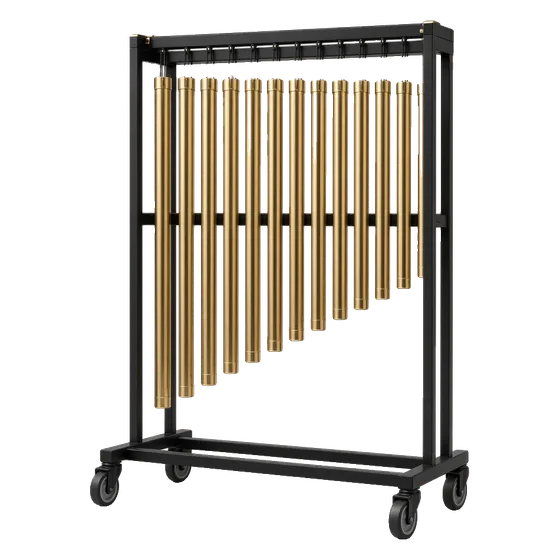
Tubular bells
Tubular bells (VCSL, CC0).
Recorded
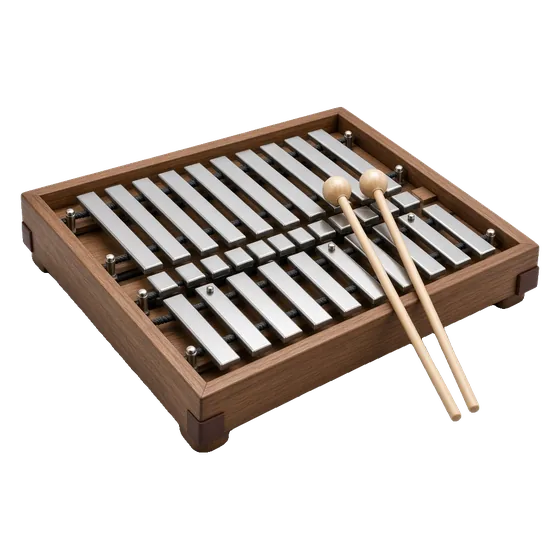
Glockenspiel
Glockenspiel (VSCO-2 CE, CC0).
Recorded
Xylophone
Xylophone (VCSL and VSCO-2 CE).
Recorded
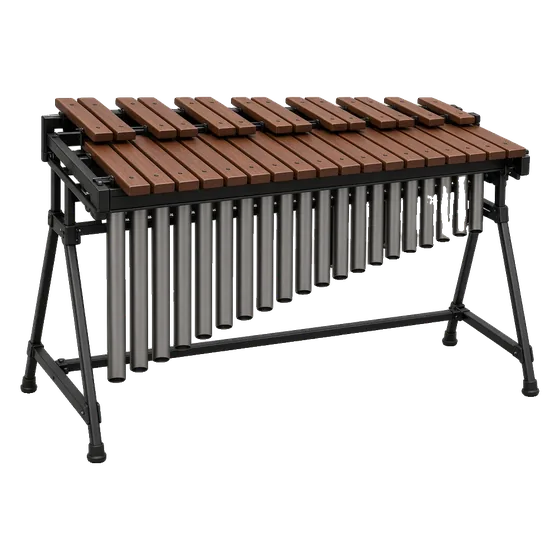
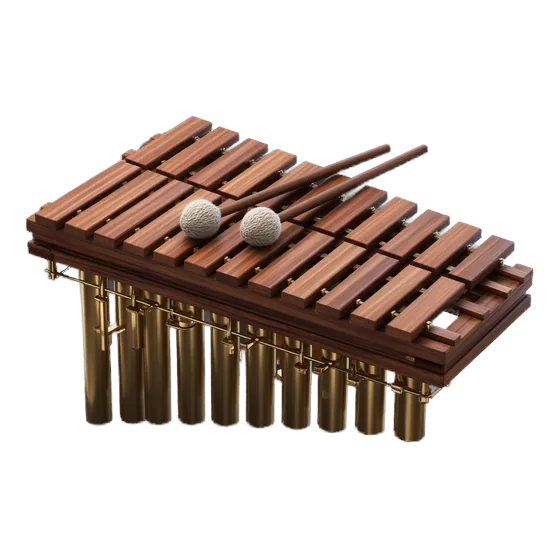
Marimba
Marimba (VCSL and VSCO-2 CE, CC0).
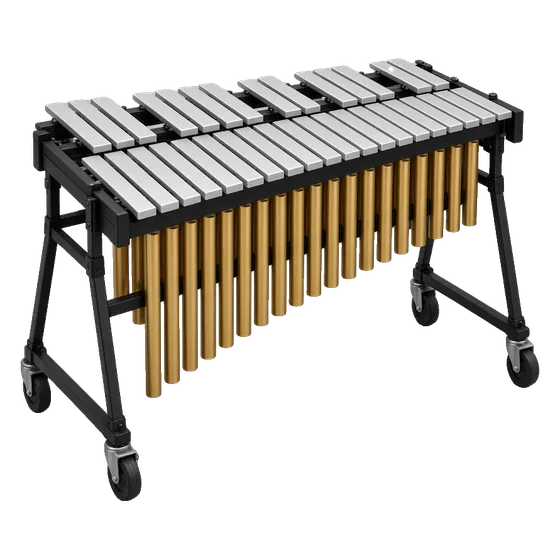
Recorded
Vibraphone
Vibraphone, also bowed (VCSL, CC0).
Recorded
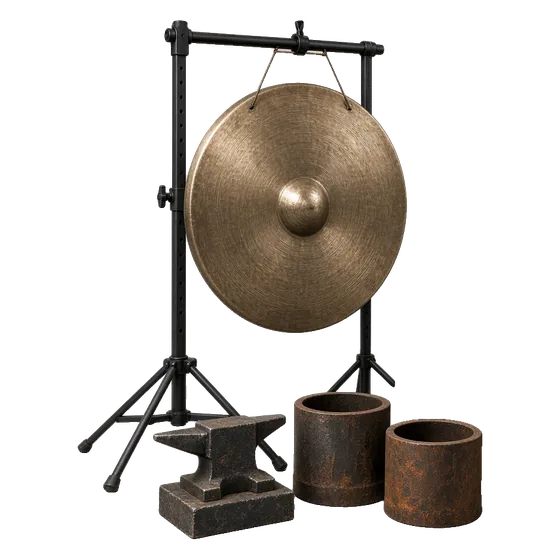
Sound-design metal
Bowed and struck metal for tension (VCSL, CC0).
Recorded
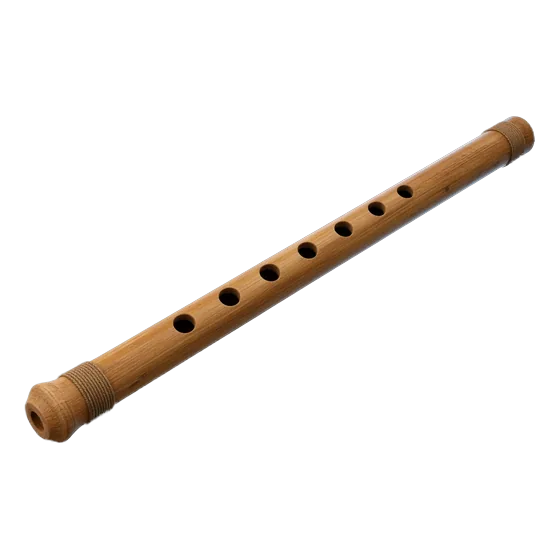
Bansuri
Indian bamboo flute (CC0 recording).
Recorded
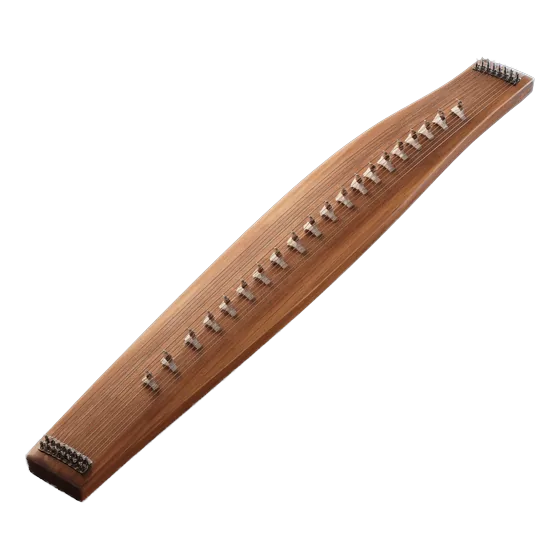
Đàn tranh
Vietnamese zither (CC0 recording).
Recorded
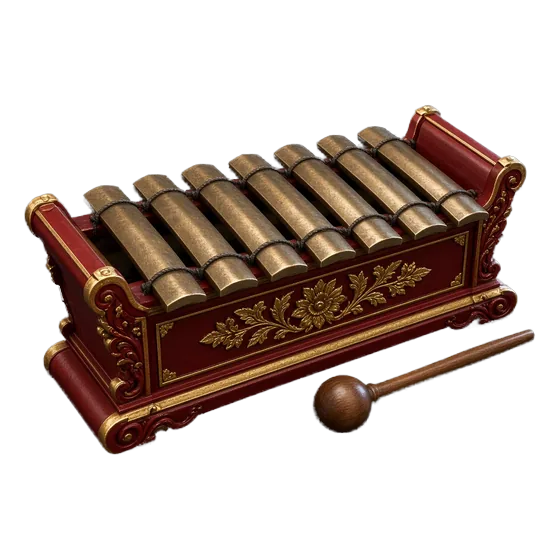
Gamelan
Saron, demung and slenthem, Javanese pelog tuning (CC0).
Recorded
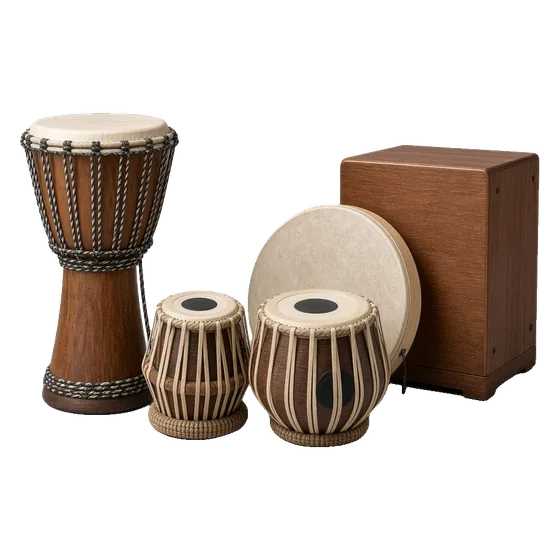
World percussion
Gamelan gongs, frame drum, bells and claps (CC0).
Modelled
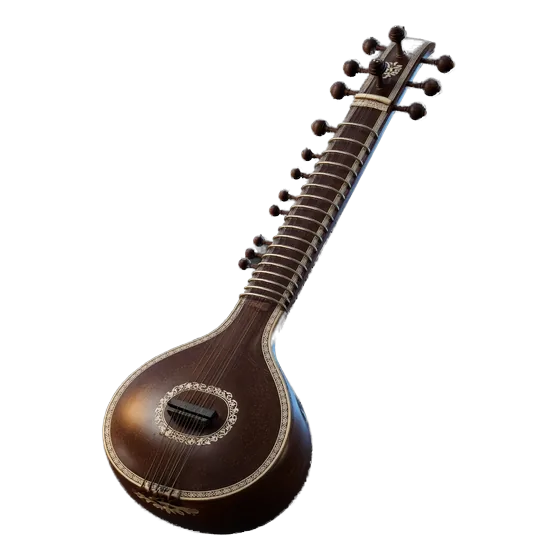
Sitar
Modelled by ProScoro: jawari bridge, sympathetic strings, meend.
Modelled
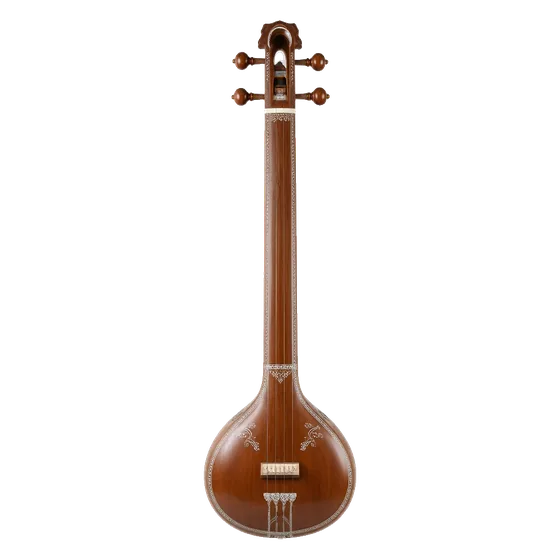
Tanpura
Modelled drone, Pa–Sa–Sa–Sa cycle.
Modelled
Santoor
Modelled hammered dulcimer, with tremolo.
Modelled
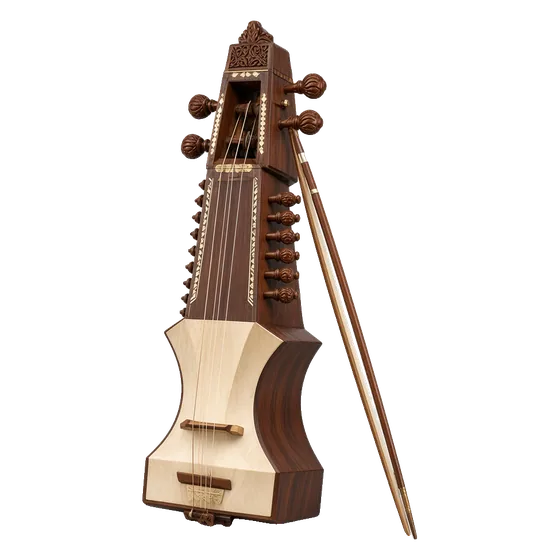
Sarangi
Modelled bowed sarangi with sympathetic strings.
Modelled
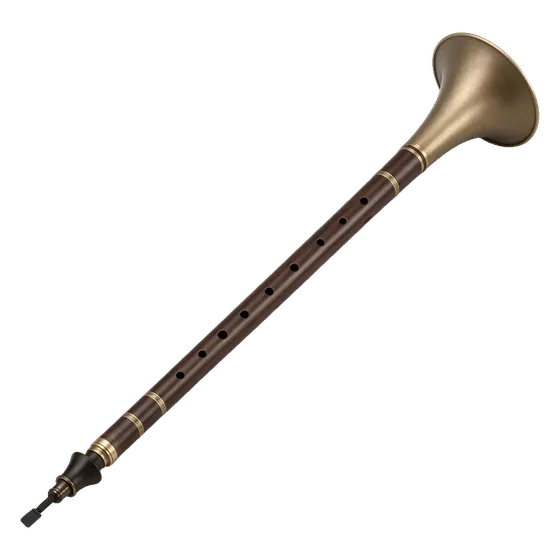
Shehnai
Modelled double reed with scoops and grace notes.
Modelled
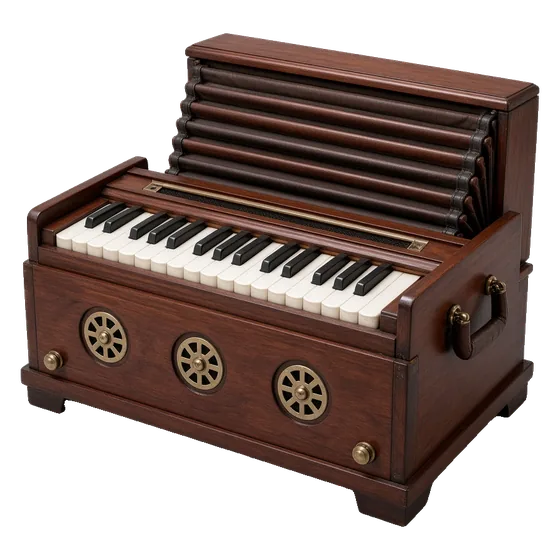
Harmonium
Modelled free reeds, two banks plus bass.
Modelled
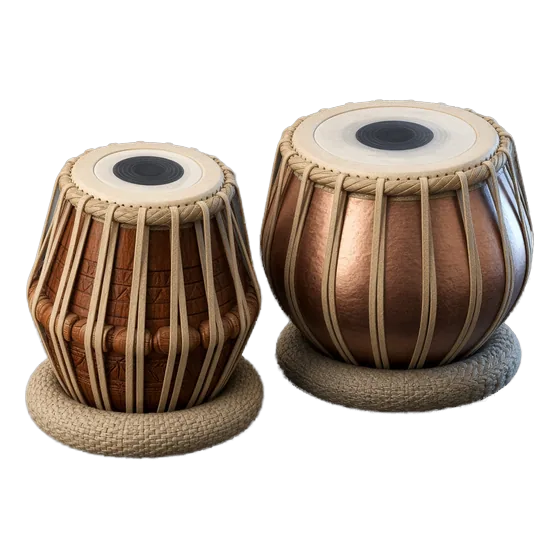
Tabla and Indian drums
Modelled tabla, dholak, dhol, mridangam, ghatam, bells and more.
Synthesised
Pads and synth strings
Warm pad, strings pad and brass swell, ProScoro’s own synthesis.
Rendered live in the app
Synthesised
Pulse and pluck
Rhythmic synth pulses for ostinati.
Rendered live in the app
Synthesised
Sub bass and drone
Low-end sine with soft harmonics, and a dark drone.
Rendered live in the app
Synthesised
Synth choir
“Ooh” and “aah” voices, synthesised (not a recorded choir).
Rendered live in the app
Synthesised
Hybrid drums
Trailer hits and hybrid percussion, synthesised.
Rendered live in the app
Synthesised
Risers, braams and impacts
The Trailer and Scoring Sound Kit, synthesised by ProScoro.
Rendered live in the app
Recorded
Foley Kit
Footsteps, doors, cloth, glass and rooms: 359 CC0 recordings.
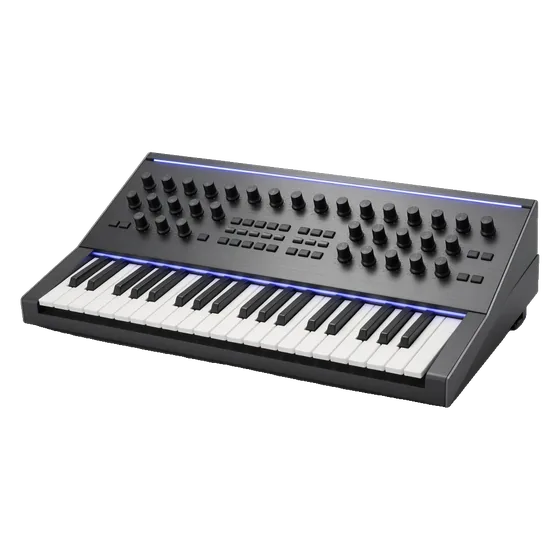
Recorded: real recordings from CC0, public-domain or credited CC-BY packs. Modelled: built by ProScoro, either from other recordings (filtered, pitch-shifted or layered) or by physical-model synthesis; each card says how. Synthesised: our own synth. Pictures are generated illustrations, not photos of the sampled instruments. Pianos are optional downloads; without a pack, that part plays a labelled synth stand-in.
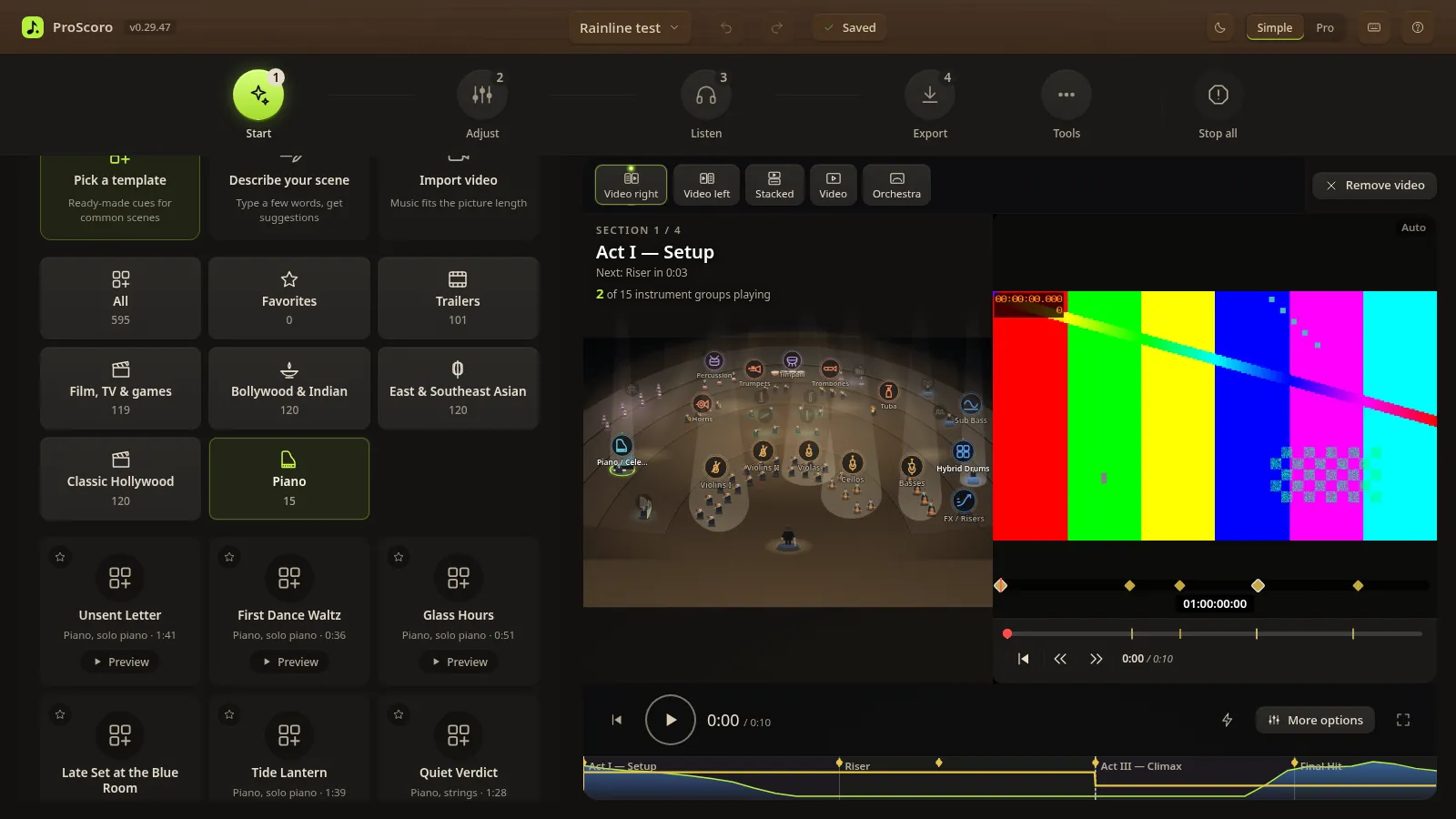
595 templates
Ready-made cues for a wide range of scenes.
Orchestral, trailer, Bollywood, Asian, Classic Hollywood, TV and game cues. Preview, star and vary any of them.
New Piano category with 15 templates: 5 Piano Solo, 5 Piano + Strings and 5 Piano + Strings + Bass
Genres from film drama, romantic and neo-classical to jazz, ambient, gospel, Bollywood and Indian ballad
Trailer acts, braams, risers and edit-point hits for trailer music
Every template writes editable notes, so nothing is locked
Features
Everything a cue needs, from picture to delivery.
Simple mode for a first score in minutes; Pro mode for every detail.
Score my scene (Magic AI Mode)
One click drafts a cue per scene from cuts, motion and dialogue, puts hits on cuts and ducks under speech (needs FFmpeg). You can change any scene's mood.
Local analysis and composition rules · moods are suggestions you confirm
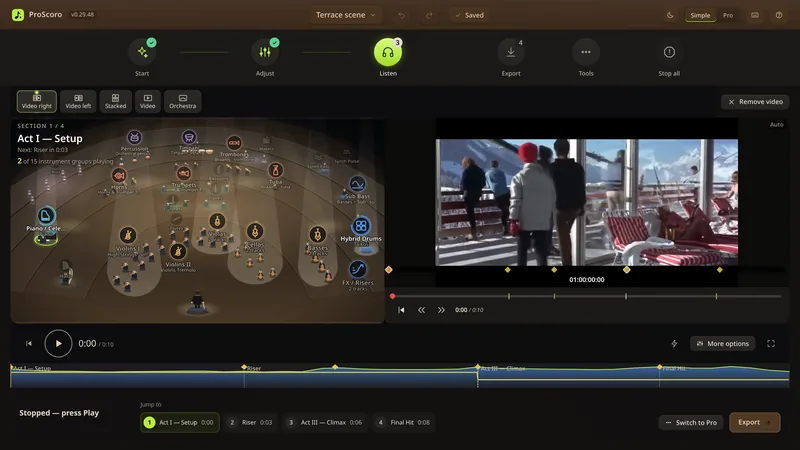
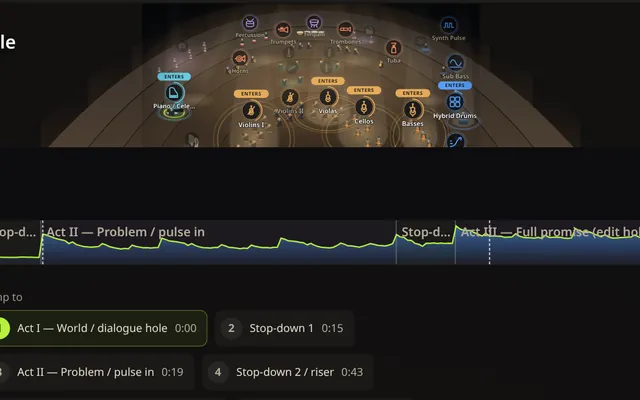
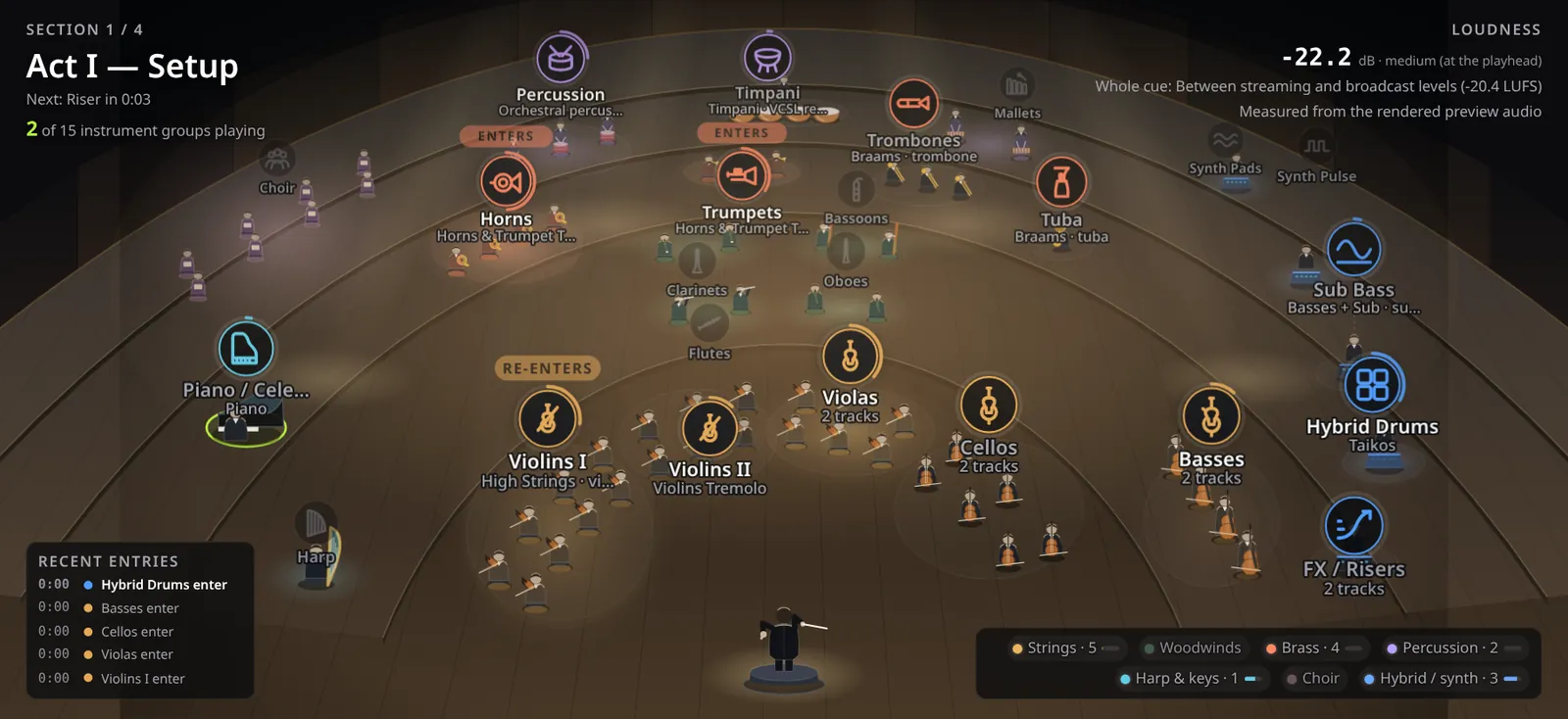
Orchestra stage
A lit 3/4-view stage. Click a section to audition it, and watch a conductor cue entrances, shape crescendos and cut off phrases.
Live
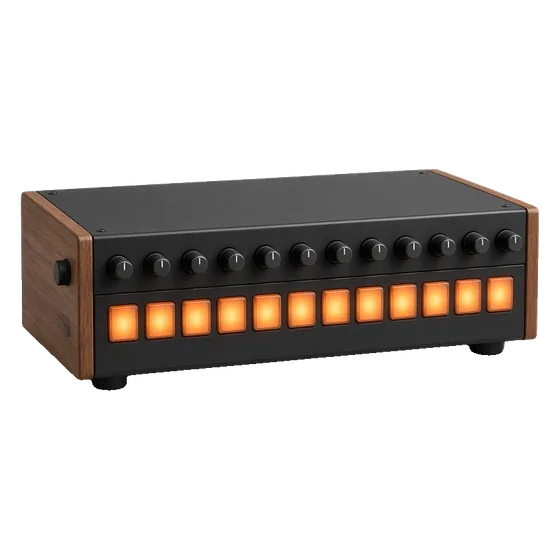
Play Live banks on rubber pads that glow when hit, with your default piano, alongside the picture.
Foley Kit · 671 sounds
Footsteps to splatter, across genres. Humanized timing, round robins, Vary, and a licence line on every sound.
Listen, Dice and Pencil
Shape the music with an intensity graph. Dice rolls a fresh calm-build-peak curve; Pencil (or a double-click) lets you draw your own. Both are one undo step.
Trailer Kit
Risers, braams, hits, booms, whooshes and drones, snapped to cuts and hit markers.
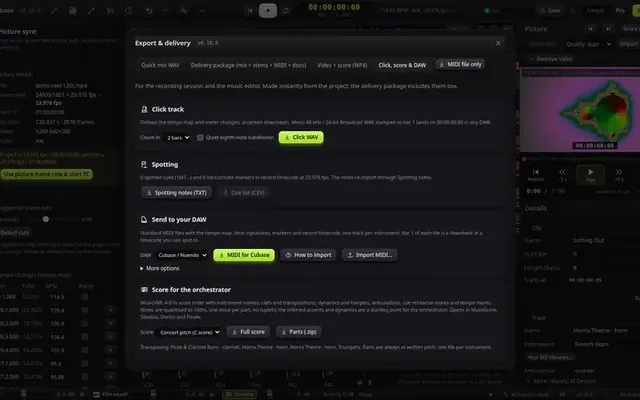
MIDI export & DAW hand-off
Per-cue MIDI with tempo map, meters, markers and SMPTE offset, plus import guides for Cubase, Logic Pro and Pro Tools. MIDI import too.
MusicXML 4.0 score & parts
Concert or transposed full scores and per-player parts, with articulations, dynamics, hairpins and rehearsal marks.
Your SFZ libraries
Play sample libraries you already own straight from their folder. ProScoro does not copy their sample files into projects; audio you render with them follows the library's own licence.
Delivery packages for video editors
One export writes the mix, stems, MIDI, scores and parts, loudness reports and a sources list.
Orchestra stage
A conductor driven by the score.
The conductor's gestures follow the project's notes and loudness rather than random animation, so the same cue gets the same performance.
A cue before each entrance, with Enters and Re-enters badges
Sections light up from the rendered audio
Live loudness readout, measured from the preview
A reduced-motion setting keeps the stage still
Captured in ProScoro 0.29.28; the stage is unchanged since.
Pro editor
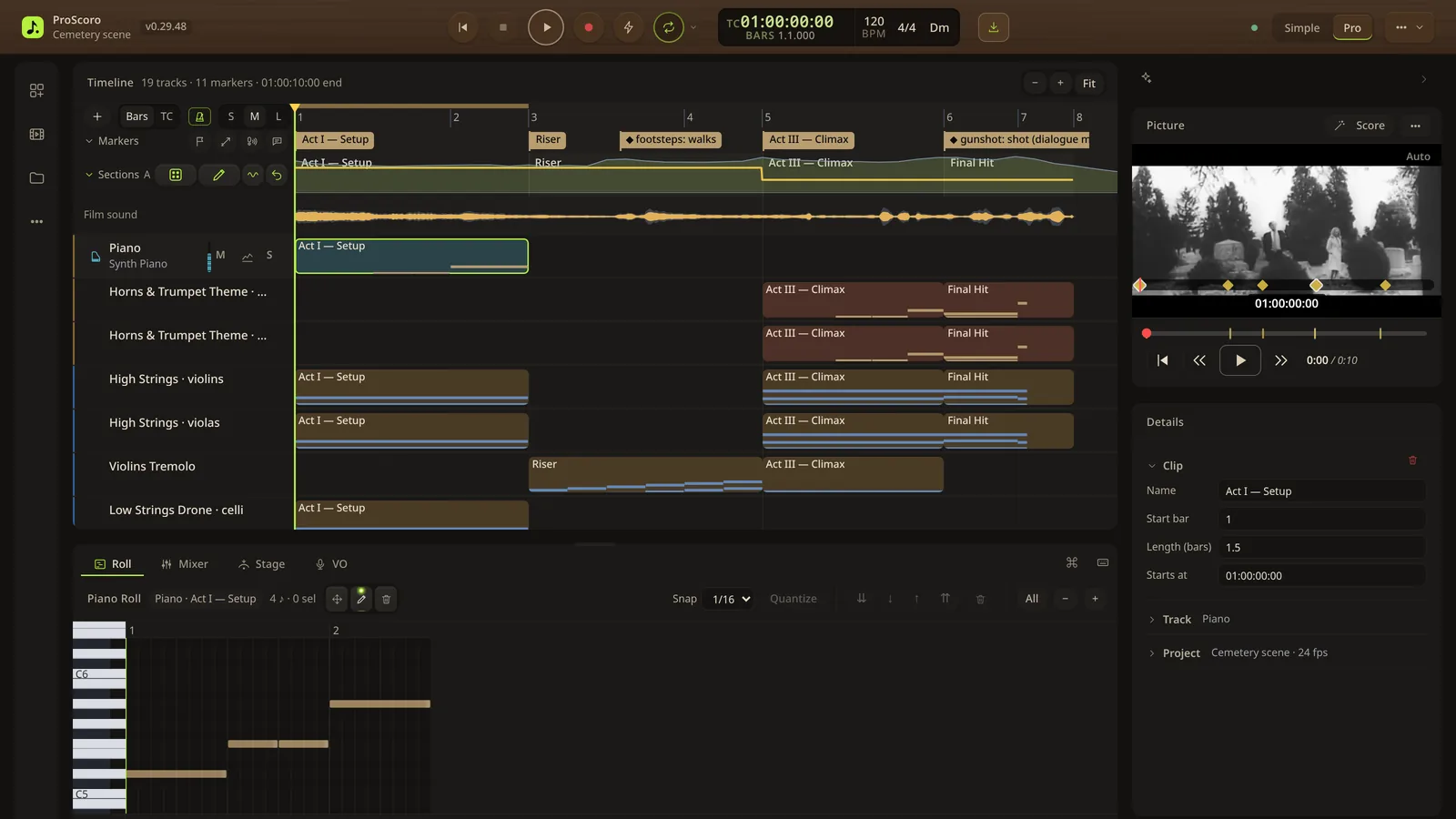
A real workstation underneath.
Timeline with timecode, cues, markers and a dialogue lane; piano roll; mixer; picture panel with a drift readout. Preview and export use the same render engine, so the export matches what you previewed.
Editable MIDI for every track
The whole film fits the timeline by default
Spotting markers become 1M1, 1M2… cues
Command palette and keyboard shortcuts
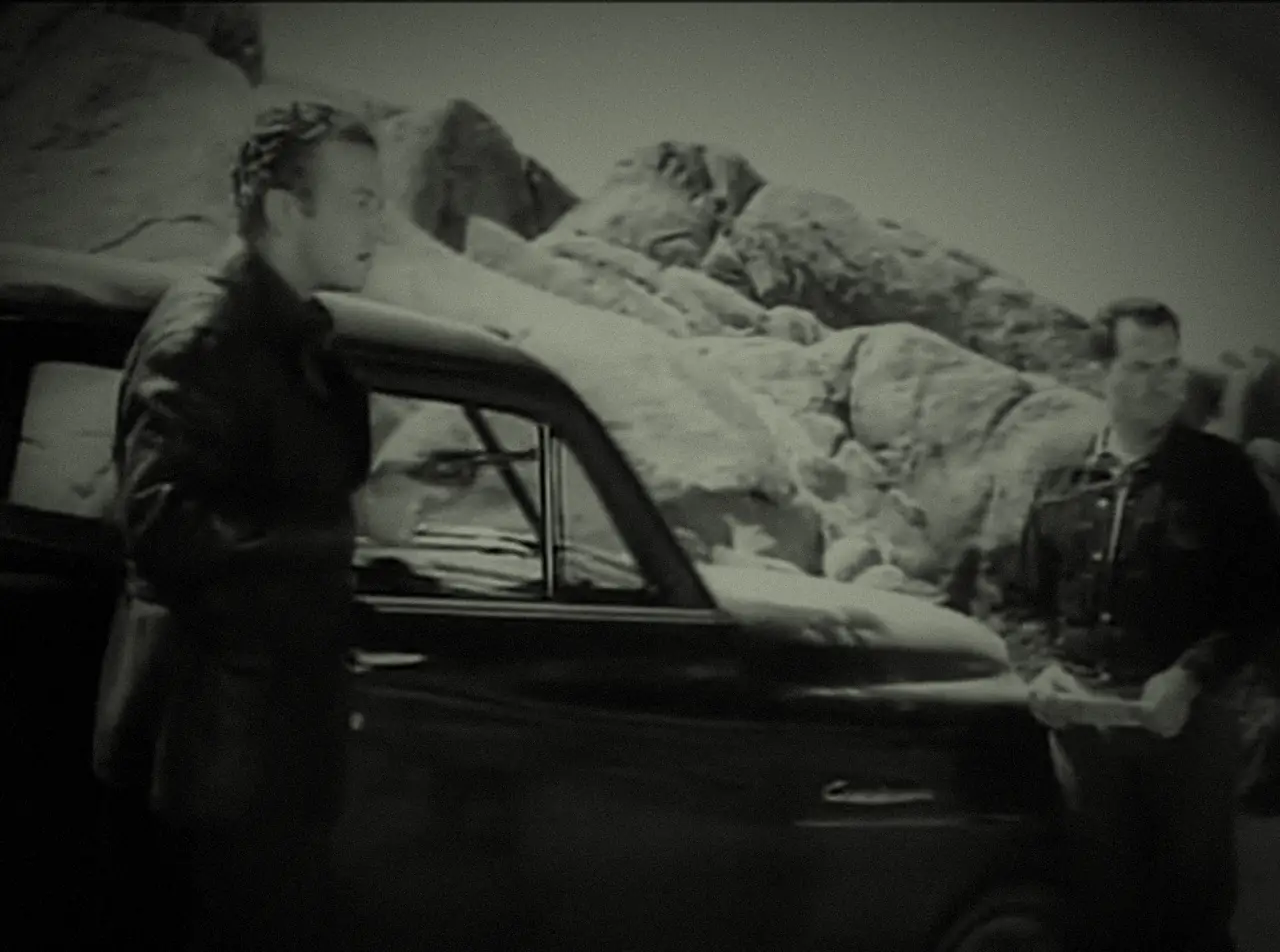
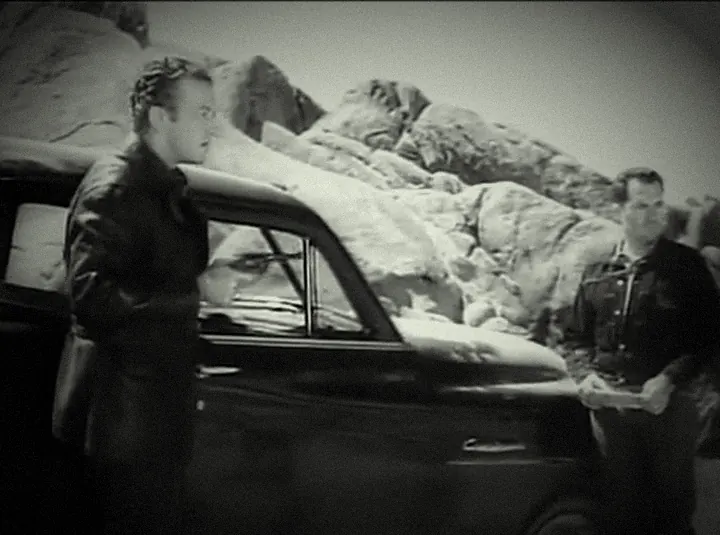
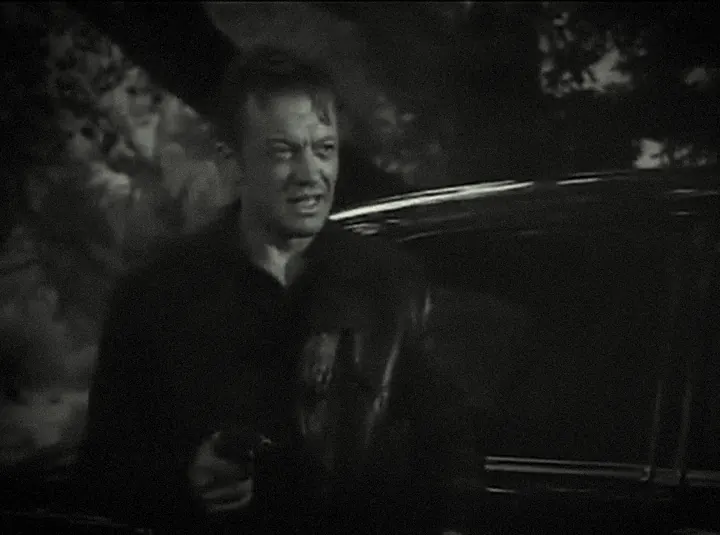
Footage: Night of the Living Dead (1968), public domain in the US.
Sound licences
Sounds for your films, with the paperwork.
Every sound ProScoro ships or offers as a download has a recorded source, licence and file hash. Here is what that means.
Sound
Licence
What you need to do
Orchestral, percussion and world samples (VSCO-2 CE, VCSL, SoH Gamelan, bansuri)
Concert Grand, Felt / Soft, Film Ambient (Salamander Grand Piano V3 by Alexander Holm)
CC-BY 3.0
Keep the credit, which ships in the app's notices and in the pack
Synthesis, Trailer Kit, modelled Indian instruments, textures, icons
Our own work
Nothing
Instrument illustrations, mood artwork and icons on this site
Generated or drawn for ProScoro, own work (notices)
Nothing
Original templates
The 595 templates were checked against 29 well-known film and song themes; the longest overlap found was 6 notes of plain scales or arpeggios.
Rules write the music
Cues come from templates and composition rules as editable notes. Two optional helpers only make suggestions: scene recognition (jina-clip-v1) suggests moods and a local cue-idea model (Qwen2.5) suggests ideas. Both are Apache-2.0.
Your libraries stay yours
SFZ libraries you load keep their own licences. ProScoro does not copy their sample files.
A sources list in every export
Per-sound source lines, per-file hashes and a SOURCES.txt in every batch export.
Honestly: this is an engineering inventory, not legal advice. The EULA is a draft pending legal review, and City Piano's public-domain status rests on its author's statement.
Get the app
ProScoro 0.29.53 for Windows.
The app comes with a licence: buy once and your personal download link appears right after checkout. The piano and instrument packs are free downloads.
With a licence
The app
Unzip ProScoro-0.29.53.zip and double-click START-WINDOWS.bat. It opens in your browser, served from your own machine. The first start needs internet.
Version
Released
Size
SHA-256
Release notes
Scoring and export work offline once setup and any optional downloads are done
Your projects and films stay on your disk
Needs Node.js LTS (the launcher says so if it's missing)
Put the zips inside the ProScoro-0.29.53 folder and extract them there, saying yes to merge. Restart: it should say "Realistic pianos found". Packs with two parts need both.
Original source: Upright Piano KW — Upright Piano KW by the FreePats project, CC0 1.0.
5.0 MB
Strings and bass in the piano templates use the orchestral sample packs; without them they play synth stand-ins.
Instrument packs
Orchestra, percussion, Foley and world sounds, all CC0. Download the zips, put them in the ProScoro-0.29.53 folder (or your Downloads folder), then press Install next to the pack in Installed instruments. The orchestra has 7 parts; get all 7.
Orchestra: strings, brass, woodwinds, harp, timpani · parts 1234567
Original source: VSCO-2 Community Edition — VSCO-2 Community Edition by Versilian Studios, CC0 1.0.
Every pack is SHA-256 checked before ProScoro installs it. Credits and licences: Licences & notices.
On a Mac, Linux or a phone? Use the browser version: templates, Simple and Pro modes and WAV, MIDI and MusicXML export, nothing uploaded. Stems, MP3/video export, delivery packages and your own SFZ libraries need the Windows app. A start.sh is included for macOS/Linux (untested this release).
Pricing
Free to try in your browser. A licence for the Windows app.
One-time payments, no subscription. 14-day refund, no questions asked.
Browser
Try it
Free
The browser version, for personal, non-commercial use: learning, student films, your own experiments.
Licence terms are in the ProScoro EULA (draft pending legal review; not legal advice). Refunds: 14 days, no questions asked. Taxes may apply. Payment, when it opens, happens on the payment provider's own page: this site never sees or stores card details. The licence covers the ProScoro software; the sounds are CC0, public domain or our own work, except the Salamander-based pianos (CC-BY 3.0, credited to Alexander Holm). Studio or multi-seat terms: contact us.
Contact
Let's talk about your film.
A commercial licence, a question, or feedback on the build. This page stores and sends nothing itself.
Email:
Replies come from a person, not a bot.
FAQ
Good questions.
Can I use it for commercial projects?
Yes, with a paid licence (see Pricing), or contact us about studio terms. Personal, non-commercial use of the browser version is free; the Windows app comes with a licence.
The licence is for the ProScoro software. The sounds are our own synthesis, CC0 recordings (VSCO-2 CE, VCSL, SoH Gamelan, bansuri, FreePats, Kenney and individually checked CC0 OpenGameArt items), City Piano (public domain by its author's statement) and the Salamander Grand Piano (CC-BY 3.0, credit built in). The licence terms are drafts pending legal review, and none of this is legal advice: check the terms for your own project.
Where do the sounds come from?
Our own synthesis, CC0 recordings (VSCO-2 CE, VCSL, FreePats, Kenney and checked OpenGameArt items), City Piano (public domain by its author's statement) and the Salamander Grand Piano V3 by Alexander Holm (CC-BY 3.0, which needs a credit; ProScoro ships it). Each sound shows its source and licence, the Sound sources page exports the full list as CSV, JSON or PDF, and batch exports include a SOURCES.txt. See Licences & notices.
Desktop download or web app?
Both. The browser version needs no install: templates, Simple and Pro modes, Score my scene and WAV, MIDI and MusicXML export run in the page, and your projects and videos stay in your browser; nothing is uploaded. The Windows download adds MP3 and video export, stems and the delivery package, voice-over recording, your own SFZ libraries, the piano and sound pack installer, scene recognition (jina-clip-v1), the local Qwen2.5 helpers and the optional AI Director. Neither needs a GPU.
Does it work offline?
Mostly. Scoring and every export run locally. The internet is used for the first start, for optional packs and models you choose to download (checked by SHA-256), and for the optional bring-your-own-key AI Director in the desktop app.
What are the system requirements?
Windows with Node.js LTS. Unzip and double-click START-WINDOWS.bat: the first run installs dependencies, runs System Check and opens the app in your browser. A current Chrome or Edge is recommended (MIDI controllers need Web MIDI). FFmpeg is optional and unlocks frame-rate, timecode, cut detection and dialogue ducking from your video. A start.sh script is included for macOS and Linux, but it was not tested there for this release.
Can I get a refund?
Yes: within 14 days of purchase, no questions asked. See the refund policy.
Is it really free?
The browser version is, for personal, non-commercial use: score your own projects right in the page. The Windows app comes with a paid licence: a one-time payment with no auto-renewal, and your download link appears right after checkout (see Pricing). Where checkout is not open yet, the plan says so and links to the contact form.
Why are the pianos a separate download?
To keep the app download small (6.6 MB). Install whichever pianos you want; ProScoro uses Concert Grand, then City Piano, then Upright, and falls back to its built-in synth piano, labelled "(synth piano)", if none is installed.
Does an AI write the music?
No. Score my scene (Magic AI Mode) analyses your video locally, then ProScoro's templates and composition rules write editable notes; it does not generate audio with an AI model. Two optional helpers only make suggestions: a scene-recognition model (jina-clip-v1) suggests moods, and a local cue-idea model (Qwen2.5) suggests ideas. It reports its confidence and you can change any scene's mood. ProScoro does not include any AI music generator, and it never needs a GPU.
Start your next cue.
Free to try in your browser. Buy a licence for the Windows app.